Part of the 3D Product Viewer · Android and iPhone
Let shoppers put your product on their own table.
From the same 3D model, shoppers tap “View on your table” and see your piece in their room through their phone camera, at its approximate size. Nothing to install.
Live demo: view a glass piece on your table
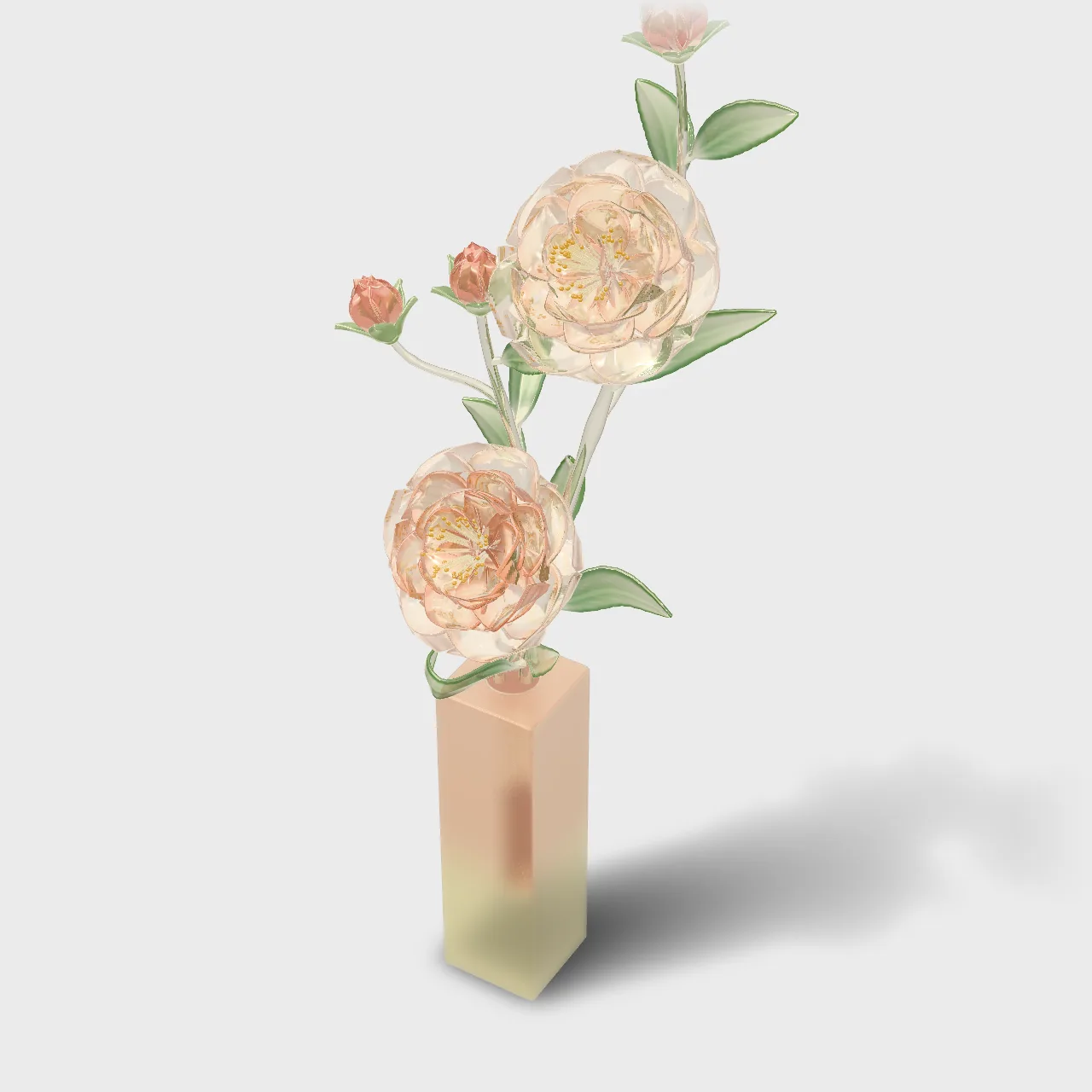
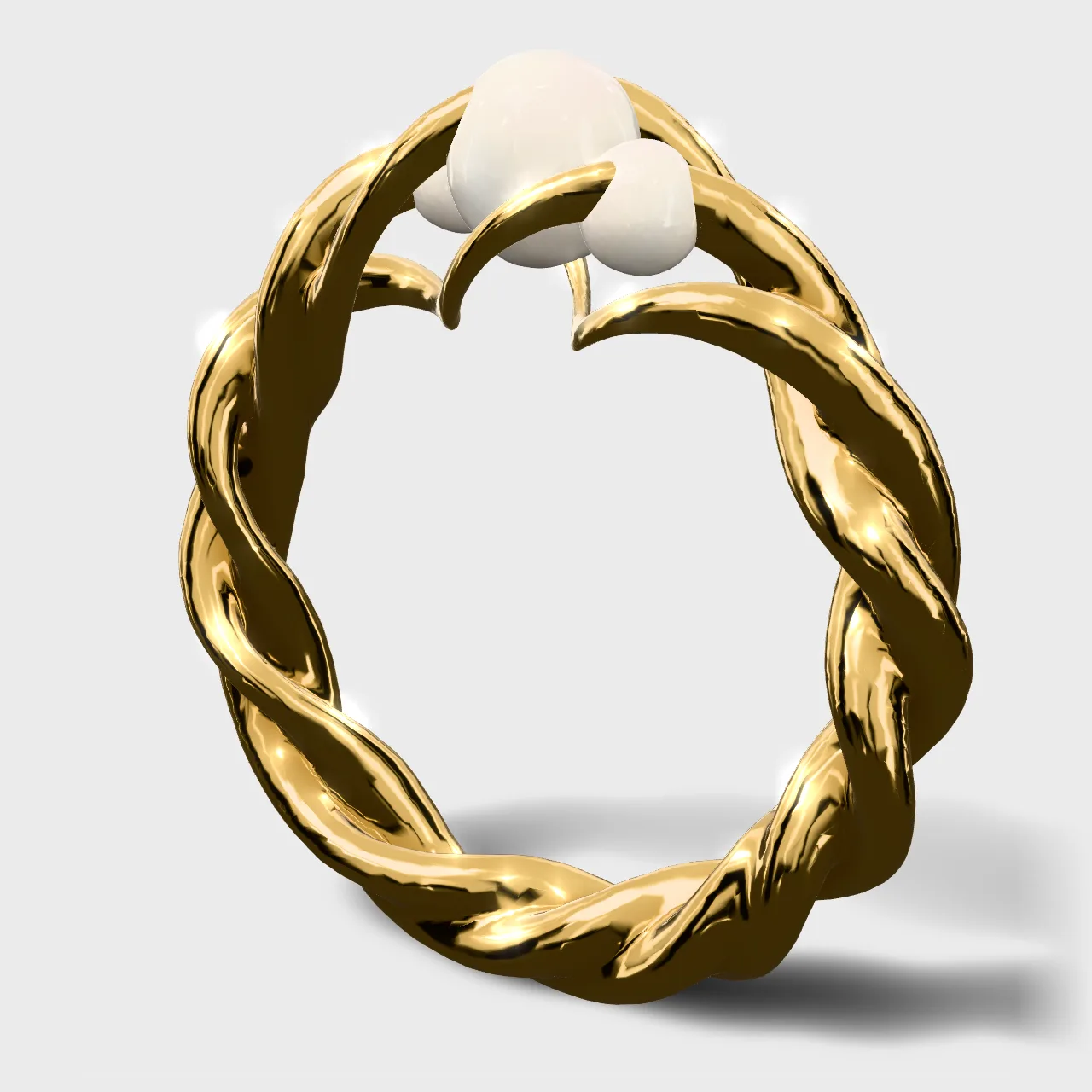
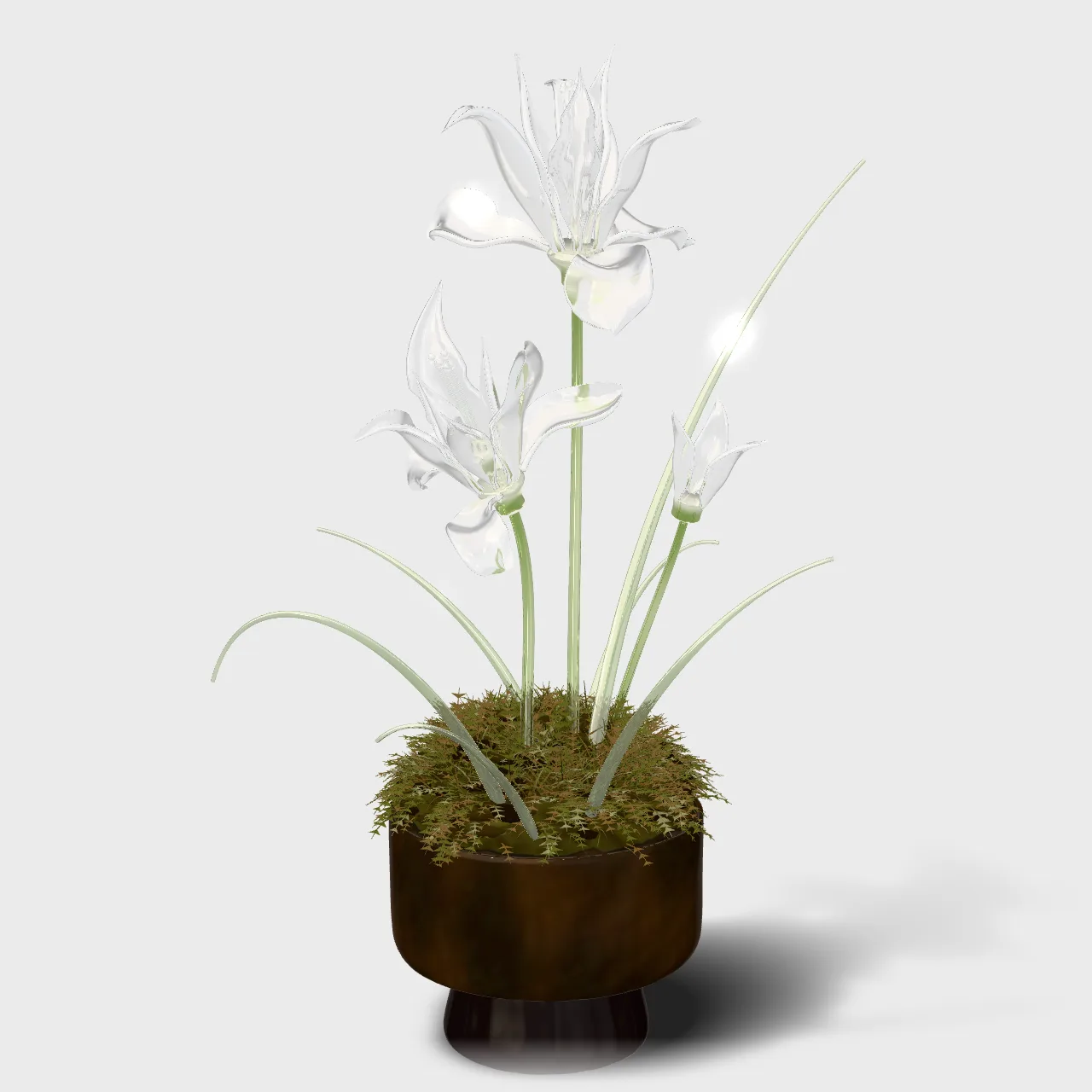
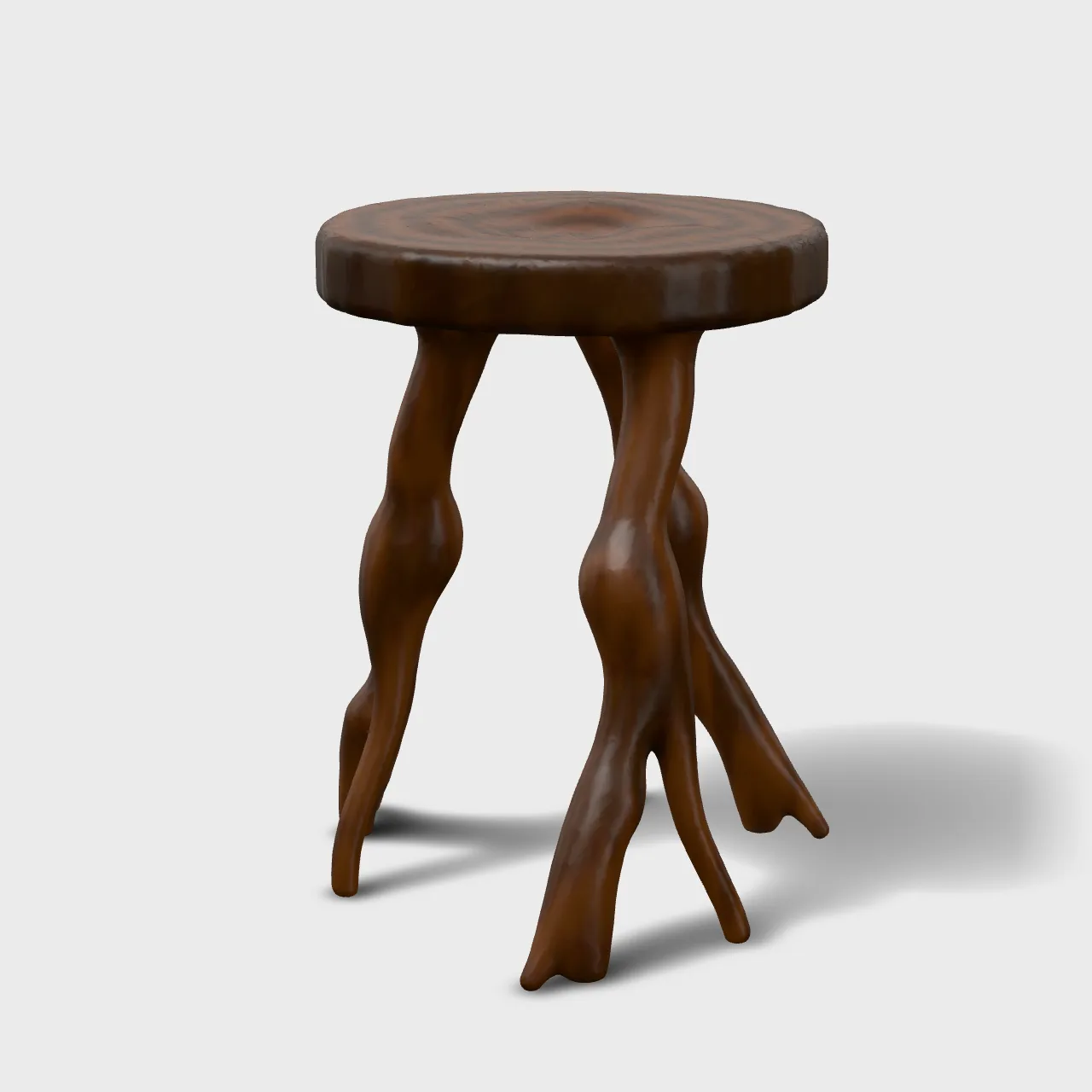
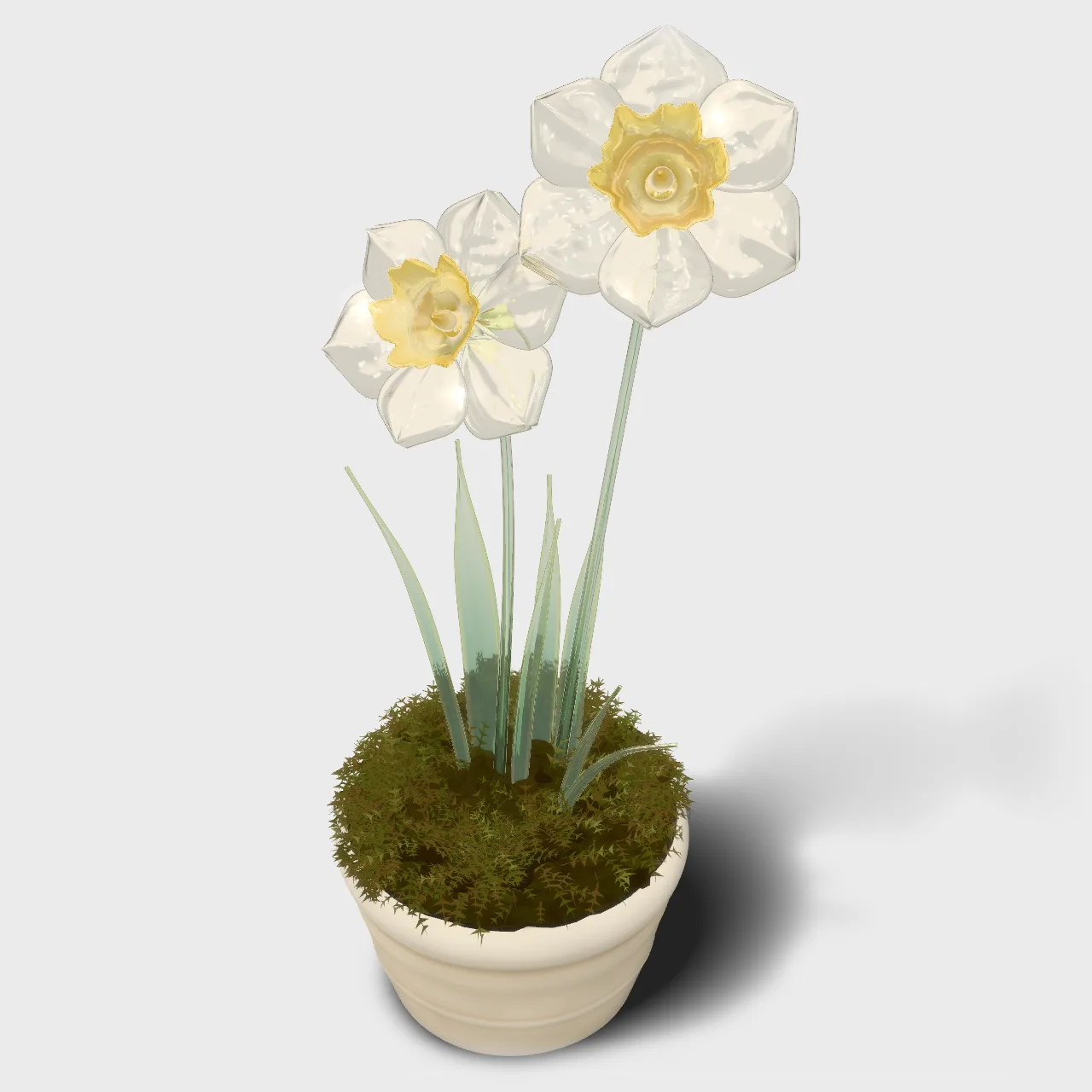
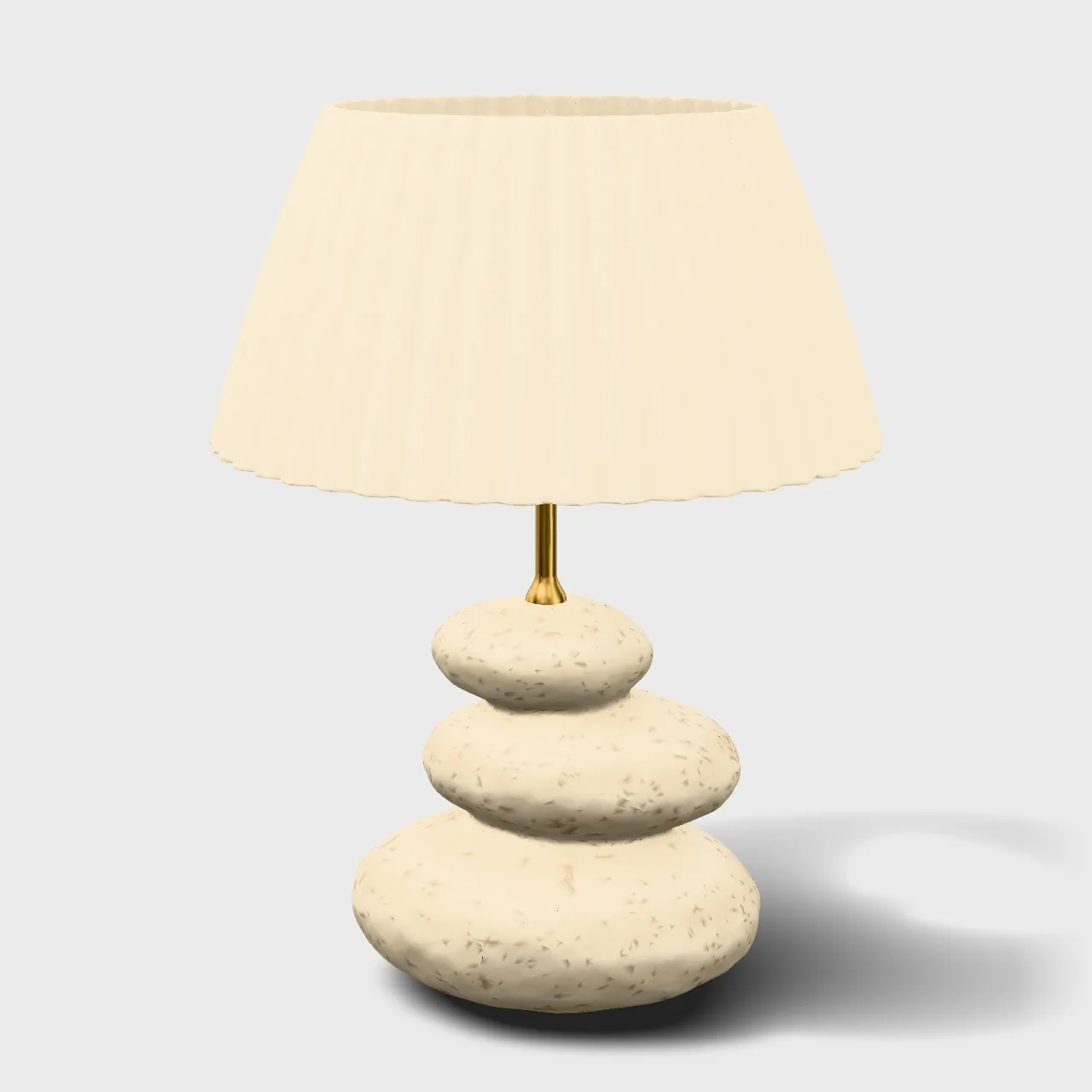

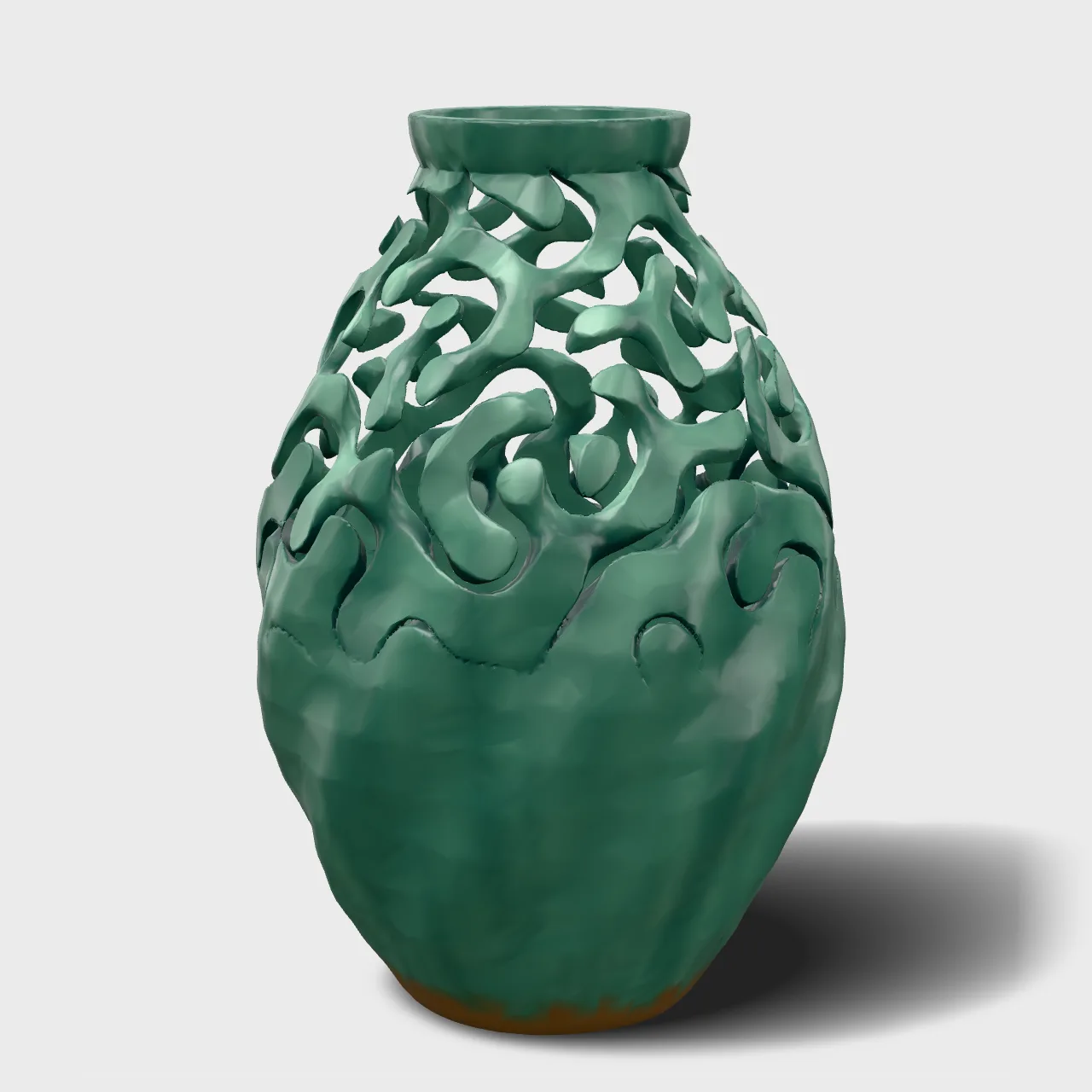
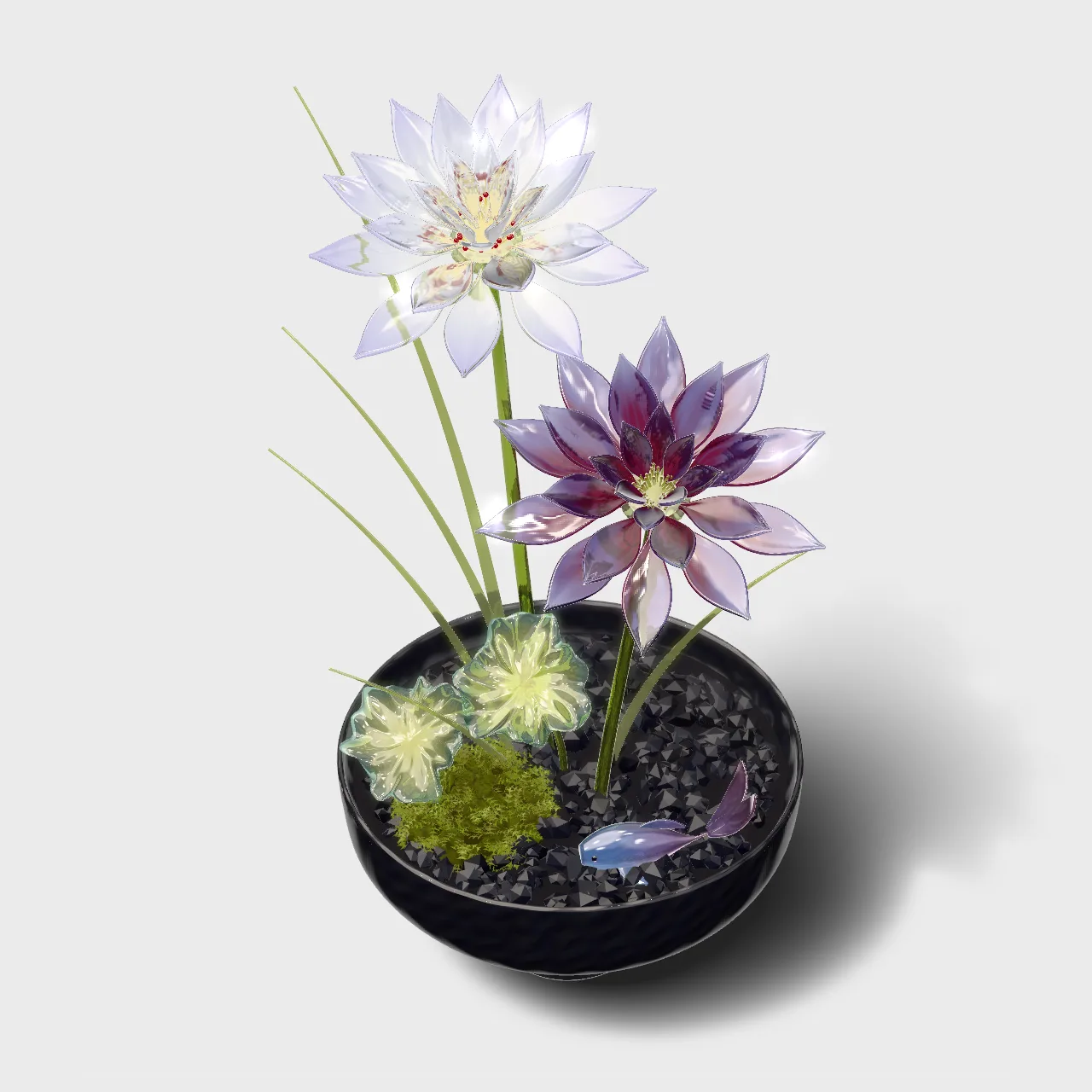
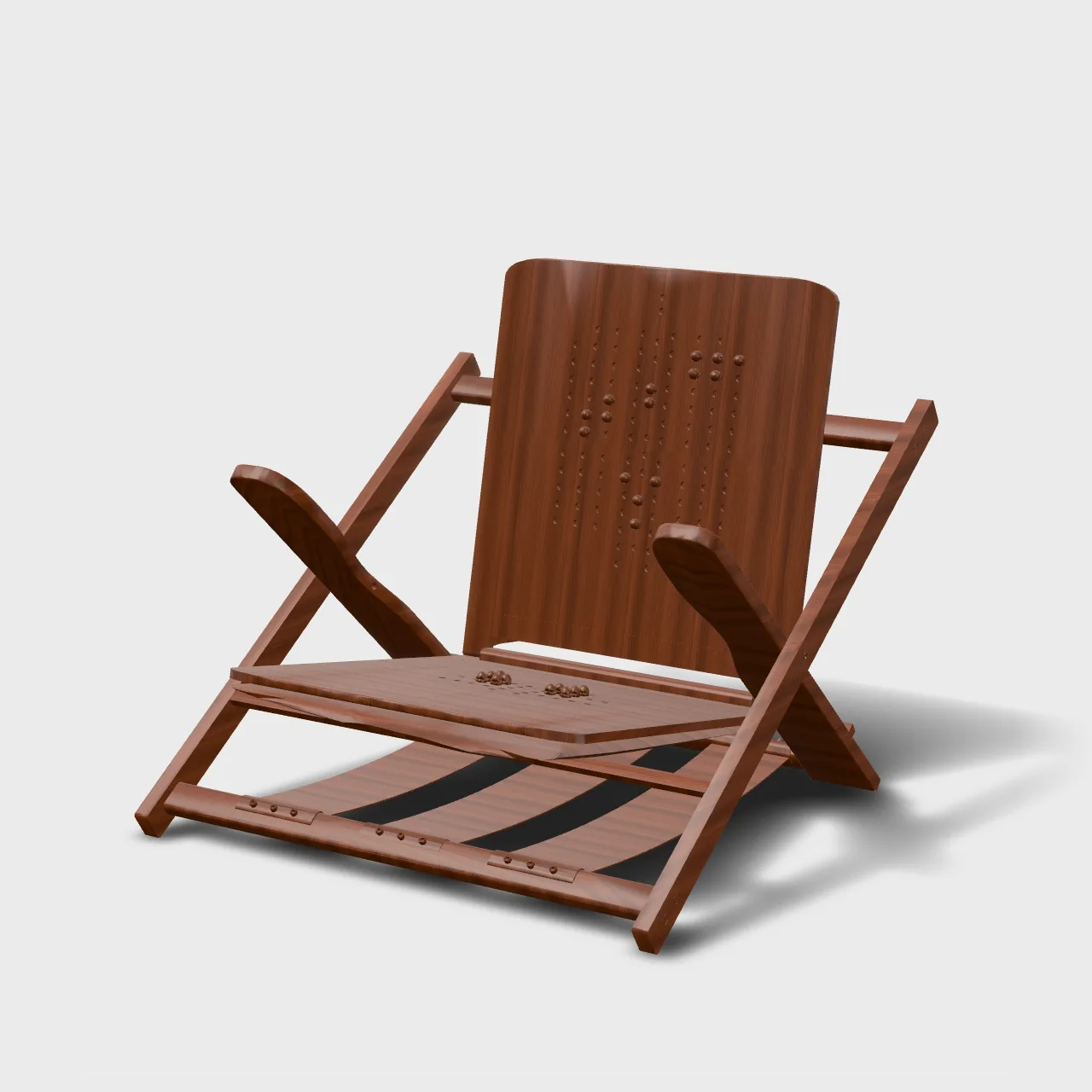
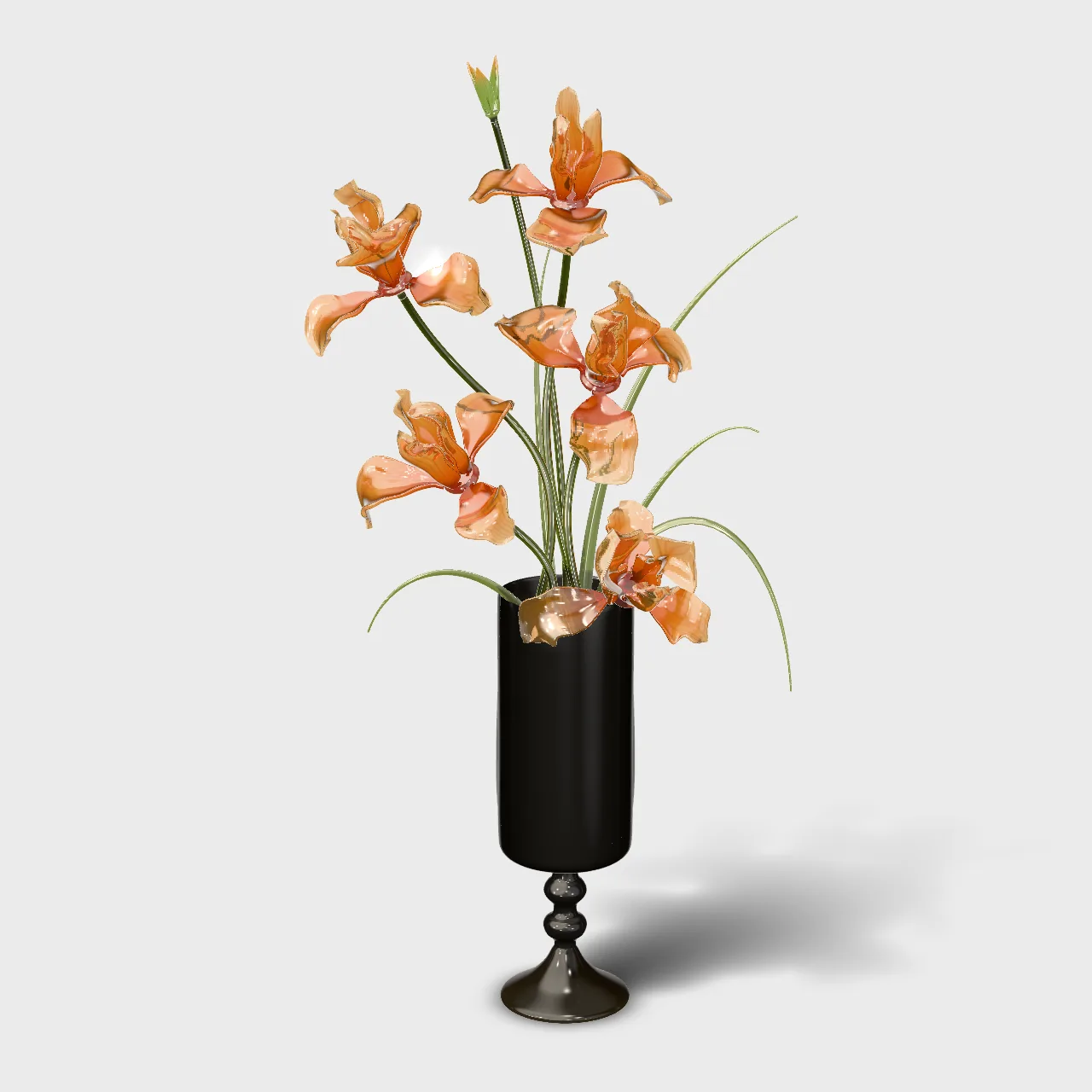

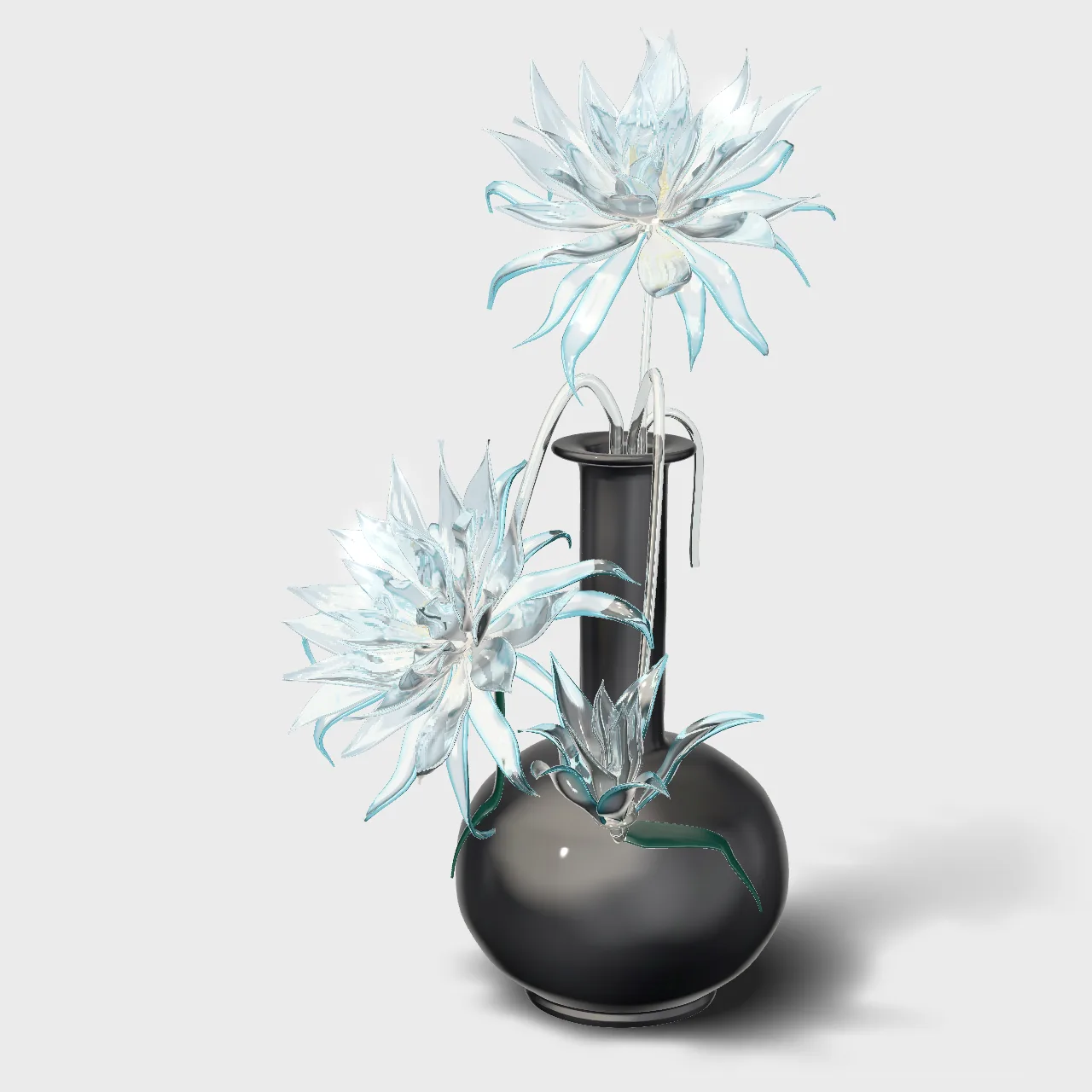

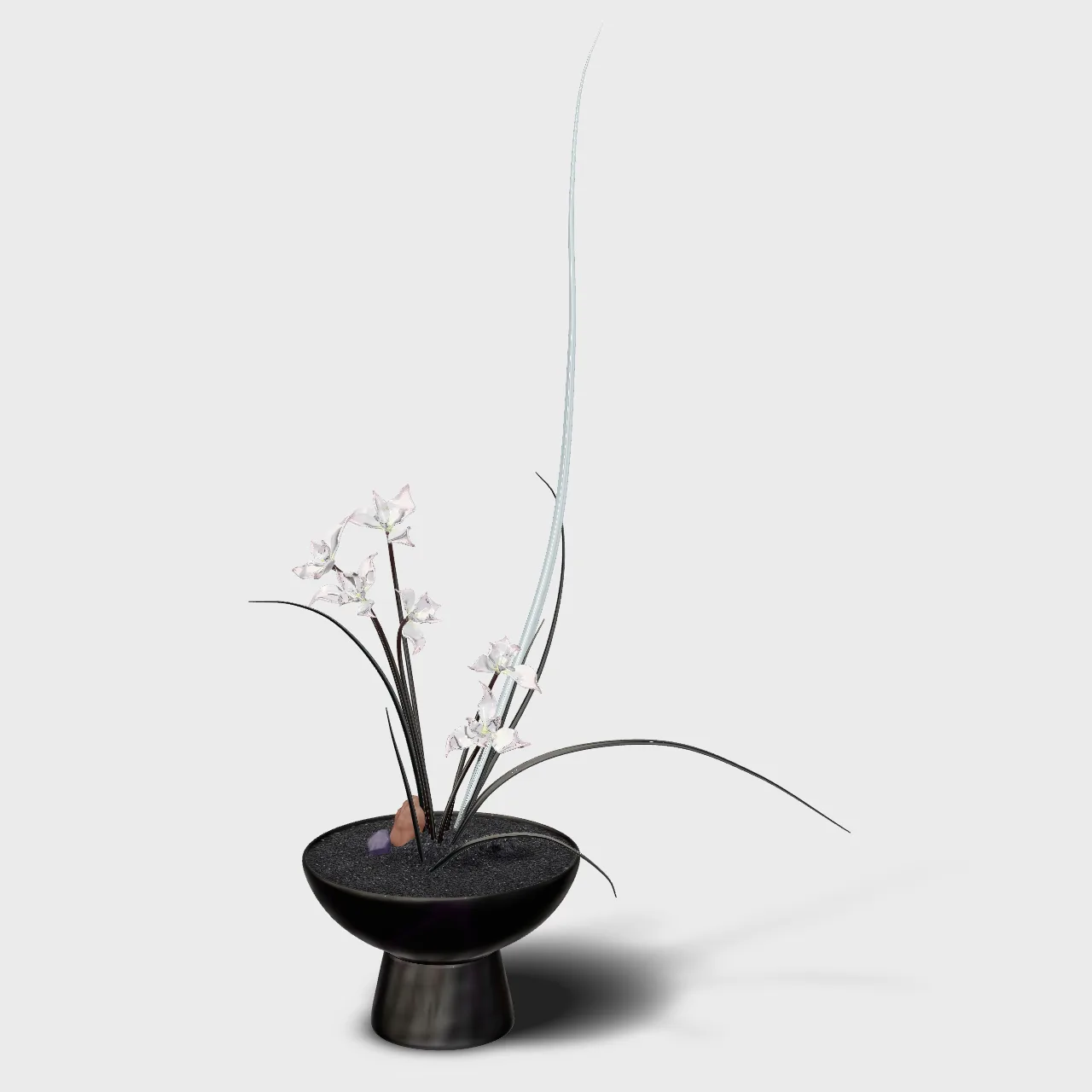
Peach glass roses and buds on a green stem, in a frosted blush vase.
- Open this page on your phone
- Tap “View on your table”
- Walk around it
On a computer you can turn and zoom the piece here; open this page on your phone to place it on your table. Sizes are approximate. Demo pieces modelled by Made of Four.
The problem
Why a photo isn’t enough
Size is a guess
A photo can’t show how big a piece looks on a real table.
Hard to picture at home
Shoppers want to see it next to their own things before they commit.
Every store looks the same
A product you can place in your own room stands apart.
Price
With your 3D model
AR uses the model we build for your 3D viewer, so it is quoted together with it.
- Works on
- Chrome on Android; Safari on iPhone and iPad
- Uses
- The same 3D model as your viewer. Nothing for shoppers to install
- Size
- Approximate real size. A measuring option for exact dimensions is available
- Opens from
- A “View on your table” button on your product page
- Timeline
- Agreed in writing before we start, with your 3D model
How it works
Three steps
Share
Send us your product, photos or CAD files.
Model
We build one model that works in the viewer and in AR.
Place
Shoppers tap the button on your product page and place it in their room.
FAQ
Questions we get asked
Do shoppers need an app?
No. It opens straight from your product page in the phone’s browser.
Does it work on iPhone?
Yes, in Safari: it opens Apple’s own AR viewer. On Android it runs in Chrome.
Is the size exact?
It is approximate. If exact dimensions matter, we add a measuring option.
Can shoppers try on rings or necklaces?
Not yet. Today pieces are placed on a table or the floor. Try-on is something we are exploring.